

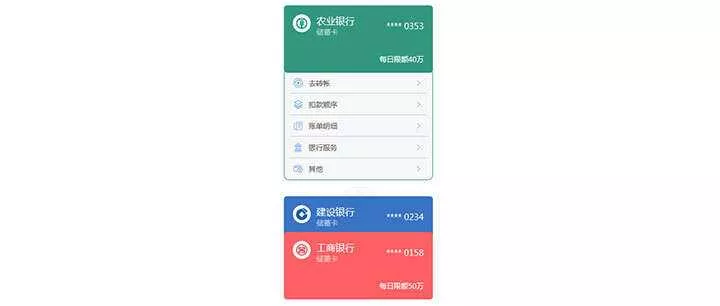
效果如图所示,适应手机端!

HTML代码如下
<div class="tp-ads"><div class="tp-ads-list"><a href="http://www.yonghengzy.cn/" target="_blank" title="" ><img src="http://img.yonghengzy.cn/wp-content/uploads/2019/06/14081549780.png" ></a></div><div class="tp-ads-list tp-ads-flex"><a href="http://www.yonghengzy.cn/" target="_blank" title="" ><img src="http://img.yonghengzy.cn/wp-content/uploads/2019/06/14081549780.png" ></a><a href="http://www.qzhan.vip/" target="_blank" title="" ><img src="http://img.yonghengzy.cn/wp-content/uploads/2019/06/14081549780.png" ></a></div><div class="tp-ads-list tp-ads-flex"><a href="http://www.yonghengzy.cn/" target="_blank" title="" ><img src="http://img.yonghengzy.cn/wp-content/uploads/2019/06/14081549780.png" ></a><a href="http://www.qzhan.vip/" target="_blank" title="" ><img src="http://img.yonghengzy.cn/wp-content/uploads/2019/06/14081549780.png" ></a></div></div>CSS代码如下
<style type="text/css"> .tp-ads {width:100%;margin-top:6px;}.tp-ads-list {width:100%;}.tp-ads-list a {display:block;width:100%;}.tp-ads-list img {width:100%;height:70px;margin:4px 0;}.tp-ads-flex {display:flex;align-items:center;justify-content:space-between;}.tp-ads-flex a {width:49.8%;}@media screen and (max-width:1000px) {.tp-ads-list img {width:100%;height:25px;}}</style>使用方法:将HTML和CSS代码复制后放置需要展示的地方,然后更换图片与广告链接即可,需要几行广告复制几行即可!
© 版权声明
THE END







暂无评论内容